WinRAR is a shareware file compression and archiving program for Microsoft Windows. It was created by Eugene Roshal and has been developed by RARLAB since 1995. The software allows users to create and manage archives in both the RAR format, which was designed by Roshal, and the widely used ZIP format. In addition to creating archives, it can extract many other compressed file types.
To ensure data reliability, the program includes built-in integrity verification tools. Each archived file can contain CRC-32 or BLAKE2 checksum information, helping users detect corruption or errors. The software also supports advanced features such as password protection, archive encryption, splitting large files into multiple parts, and generating self-extracting archives that can run without additional software.
RARLAB provides a mobile version called RAR for Android, which is available for Android devices as freeware. Besides the graphical Windows version, command-line tools named RAR and UNRAR are also available. These utilities support operating systems such as macOS, Linux, and FreeBSD, and were previously released for platforms like Windows CE, MS-DOS, and OS/2.
FEATURES
Compression
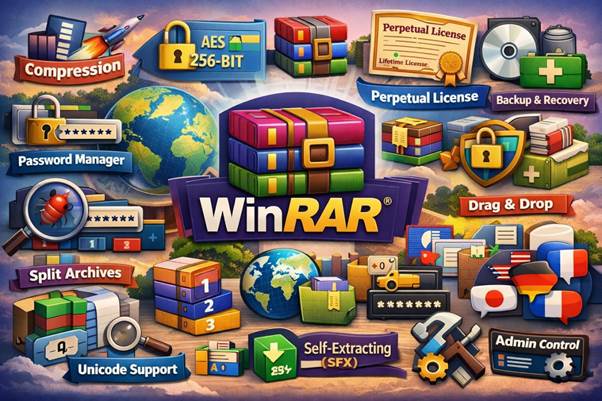
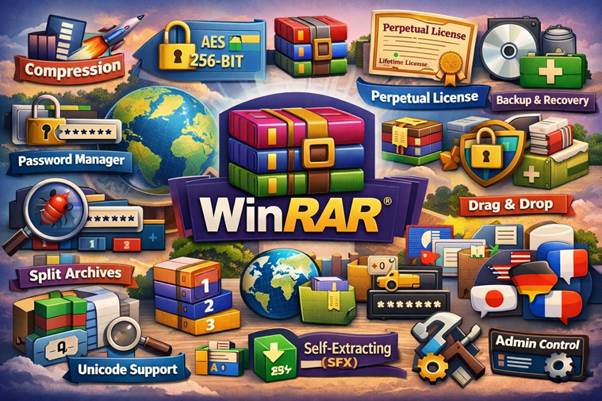
WinRAR is widely recognized as one of the most efficient and high-speed compression solutions available today. Users can compress files into RAR or ZIP formats to reduce file size, save storage space, and make sharing more convenient. It also helps organize large amounts of data into a single archive for better file management. The compression engine is optimized to handle both small documents and very large multimedia files efficiently. Different compression levels allow users to choose between maximum size reduction or faster processing time. This flexibility makes it suitable for both everyday use and professional environments.
Encryption
The software uses advanced AES 256-bit encryption to secure archived content. This strong protection method safeguards not only the files themselves but also archive metadata, ensuring maximum privacy and data security. Encryption prevents unauthorized users from accessing sensitive information. Password-protected archives are especially useful when sending confidential data over email or cloud services. The encryption system is designed to meet modern security standards and protect against brute-force attacks.
RAR Files
WinRAR remains the only application capable of creating RAR archives. It provides powerful capabilities such as creating multi-volume archives, applying high compression ratios, and adding recovery records for improved reliability. The RAR format is known for better compression efficiency compared to many other formats. It also supports advanced error recovery features that improve archive stability. This makes it a preferred format for long-term data storage and backup.
Password Manager
A built-in password manager helps users securely store and manage passwords used for protected archives. This feature is especially useful for handling multiple encrypted files without forgetting access credentials. It reduces the need to repeatedly type complex passwords. Stored passwords can be selected quickly when opening secured archives. This improves productivity and enhances overall user convenience.
Perpetual License
The program offers a lifetime license model. Once purchased, users can continue using the software without recurring subscription payments, making it a cost-effective long-term solution. There are no mandatory monthly or yearly renewal fees. This licensing model is especially beneficial for businesses planning long-term use. Users can install updates within the purchased version without additional charges.
Recovery Record
WinRAR includes tools designed to repair or recover damaged archives. This feature can restore partially corrupted files and reduce the risk of permanent data loss. Recovery records can be added during archive creation for additional protection. Even if part of the archive becomes damaged due to transfer errors, data may still be restored. This is particularly valuable when storing important documents or backups.
Split Archives
Large files can be divided into smaller parts, making them easier to upload, email, or store on devices with size limitations. This is particularly helpful when transferring data over the internet. Users can define custom sizes for each split volume. Split archives are ideal for sharing via removable drives or limited cloud storage accounts. The parts can later be merged automatically during extraction.
[said1]
Backup
Advanced backup functionality allows users to create time-stamped archives and retain previous file versions. This ensures that older versions of important documents can be restored if needed. Incremental backup options help save only changed files, reducing storage usage. Backup archives can be automated for regular data protection. This feature supports safer file management for both individuals and organizations.
Drag-and-drop
The intuitive drag-and-drop interface makes file compression and extraction quick and user-friendly. Users can simply move files into the application window to start working instantly. This eliminates the need for complex menus or commands. The feature works smoothly within Windows Explorer. It significantly simplifies everyday archiving tasks.
Language Version
WinRAR is available in more than 40 languages, making it accessible to users worldwide. Its multilingual support ensures ease of use across different regions. Language packs can be installed depending on user preference. This helps non-English speakers use the software comfortably. The interface remains consistent across all language versions.
Virus Scan
The built-in virus scanning capability helps prevent infected or corrupted files from being extracted. This adds an extra layer of protection when handling downloaded archives. It can integrate with installed antivirus software for deeper scanning. This reduces the risk of spreading malicious files. Users gain additional security when opening unknown archives.
Multivolume Archives
Full support for multi-part archives allows users to create and manage segmented files efficiently. The software can also generate self-extracting (SFX) archives that do not require additional programs to open. This is useful when sending files to users who do not have compression software installed. Multivolume archives help manage very large datasets more effectively. They are commonly used for backups and software distribution.
Unicode
Support for Unicode file names ensures compatibility with international characters, allowing files with different language scripts to be archived without issues. This prevents filename corruption during extraction. It supports global file sharing without renaming files. Unicode compatibility is essential in multilingual environments. It ensures accurate representation of special characters and symbols.
Compliance
Administrative control options provide enhanced security by restricting modifications, enforcing password policies, and preventing unauthorized changes to archived data. These features are particularly valuable in corporate and enterprise environments. System administrators can apply specific security settings. This ensures that sensitive company information remains protected. Compliance tools also help organizations follow internal data protection policies.
SYSTEM REQUIREMENTS
WinRAR is compatible with:
- Windows 11
- Windows 10
- Windows 8
- Windows 7